Board-first browsing, search in place
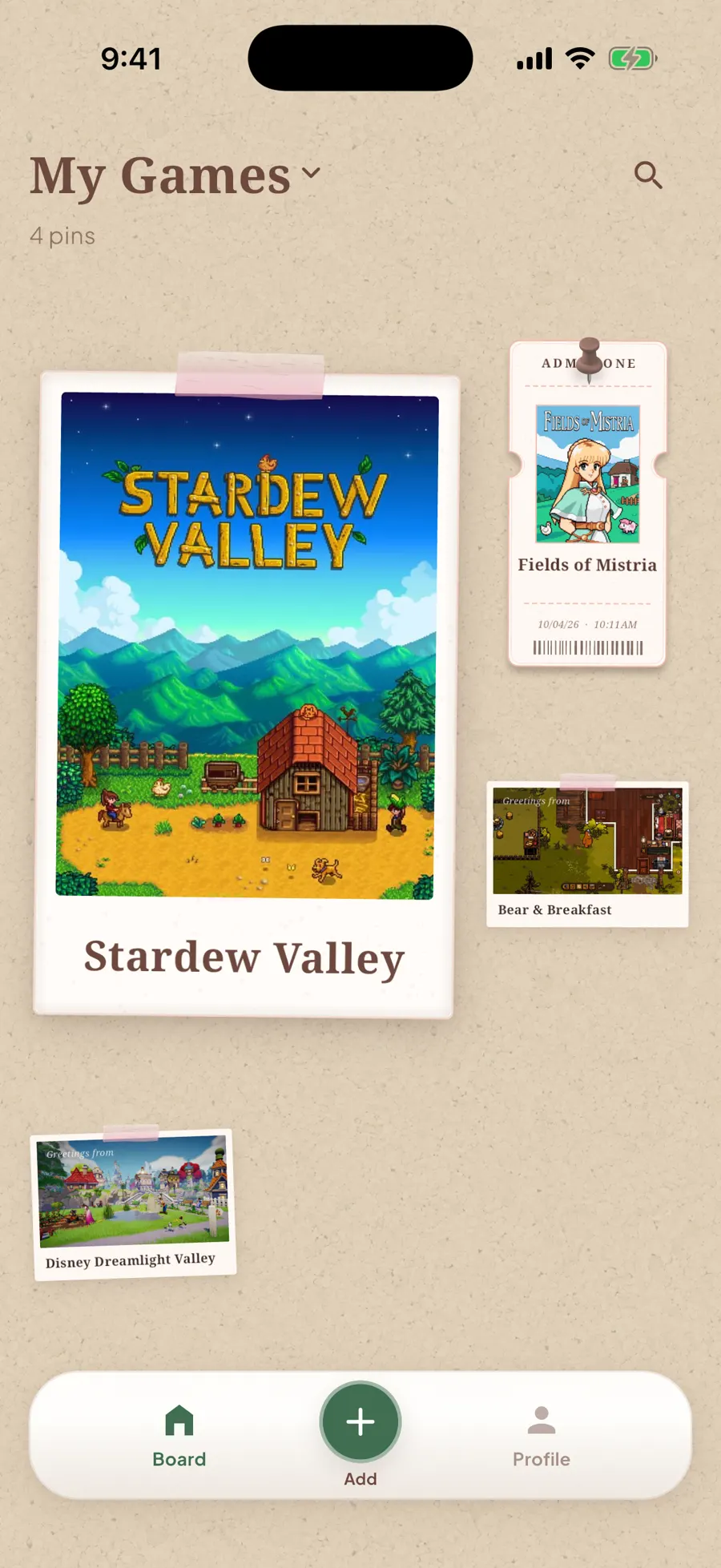
Find the game you want without losing your place. The Board is now the home screen, and search keeps your pins on the same cork layout. Filter by tags, pinned games, or completion, then go back to your original arrangement and scroll position. Board settings live under the title.
You can remove a game from the board without deleting notes, tags, or history; add it back from details when you want it pinned again.
Search → Write → Customize
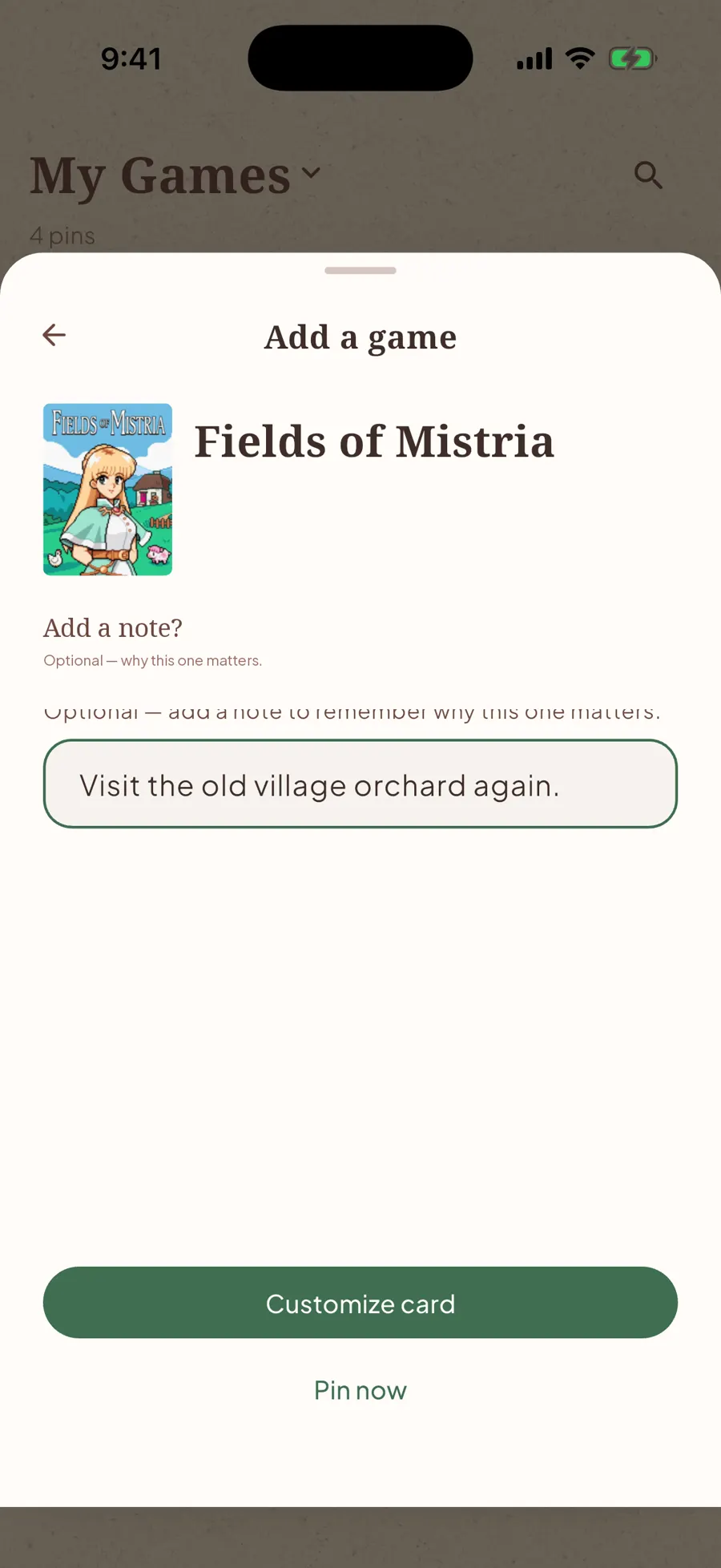
Save a game with enough context to pick it up later: find it, write where you stopped and what’s next, then choose its card and pin style. In a hurry? Use Pin now and add the details later. New pins start unfinished.
Free iPhone beta on pinpi.io
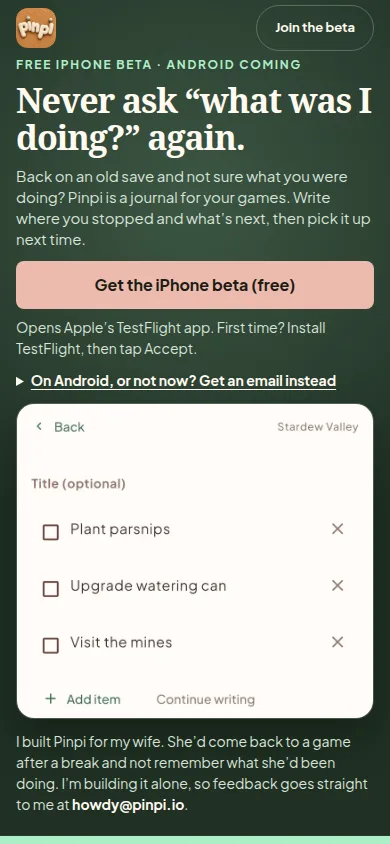
Try Pinpi free on iPhone through TestFlight. On a computer, scan the QR code with your iPhone or email yourself the beta link. Android users can join the waitlist to hear when it’s ready.
Fixes
- Ticket titles, Add search tiles, and format / pin pickers follow system text size instead of overflowing at large accessibility settings
- App icon uses the cork Pinpi mark
- Switch between the iPhone and Android email lists without losing your place
- Find answers faster with expandable homepage FAQs