
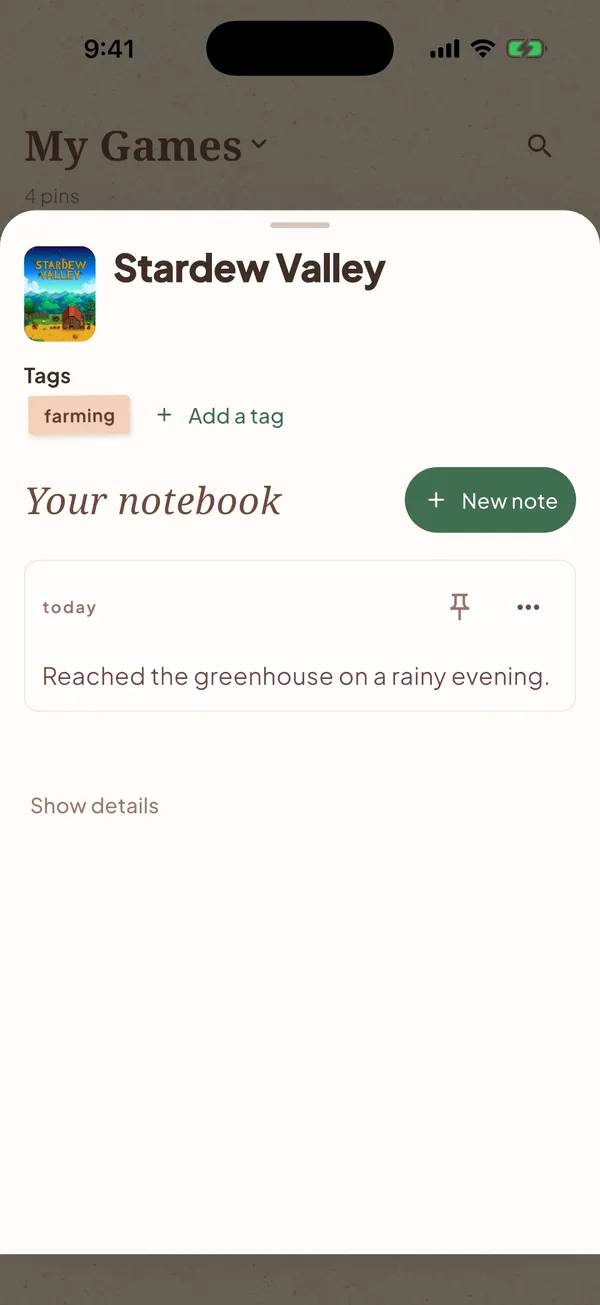
Where you stopped
The quest, chapter, or decision, saved on the game.
Free iPhone beta · Android coming
A journal for your games. Save where you stopped and what to do next.
Opens Apple’s TestFlight app. First time? Install TestFlight, then tap Accept.
iPhone only for now. Android is coming.
I built Pinpi for my wife. She’d come back to a game after a break and not remember what she’d been doing. I’m building it alone, so feedback goes straight to me at howdy@pinpi.io.
The quest, chapter, or decision, saved on the game.
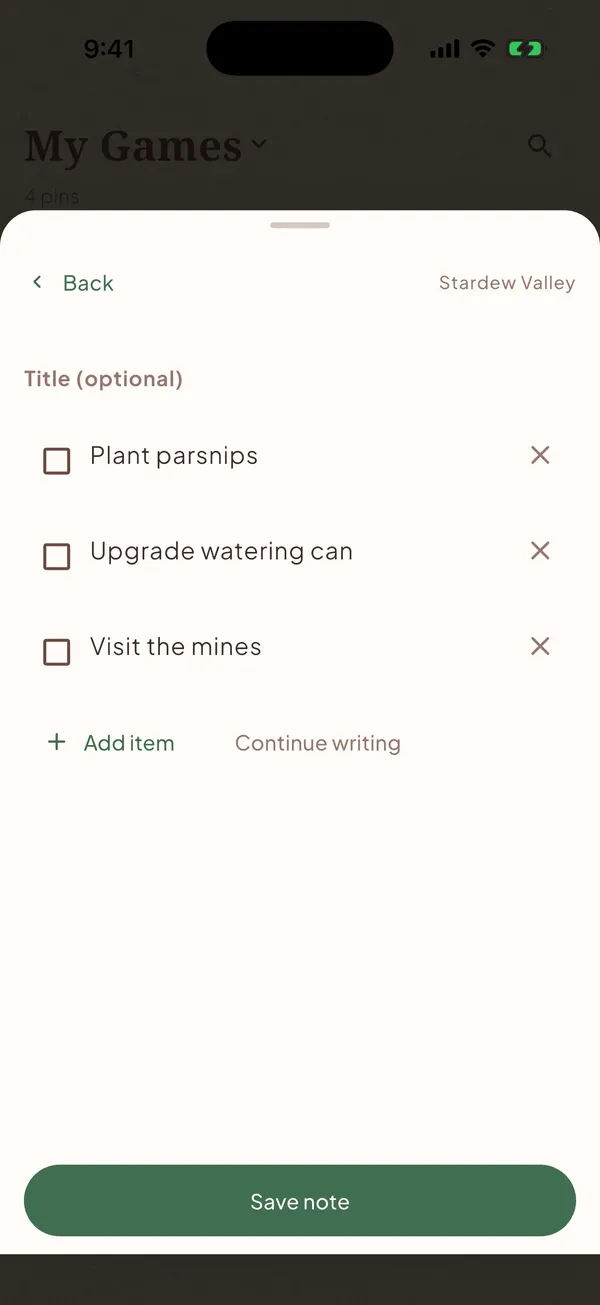
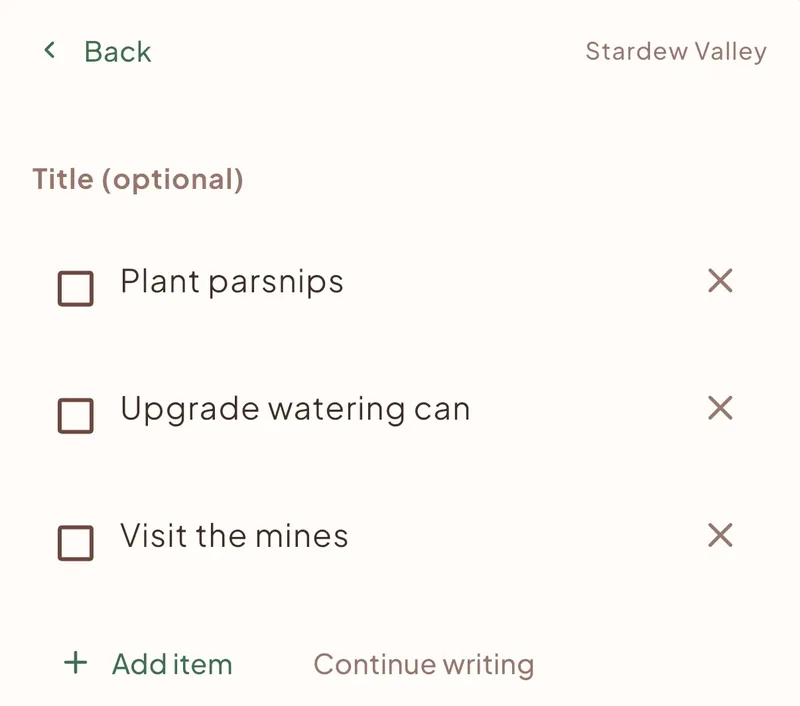
A checklist that’s ready when you open the save.
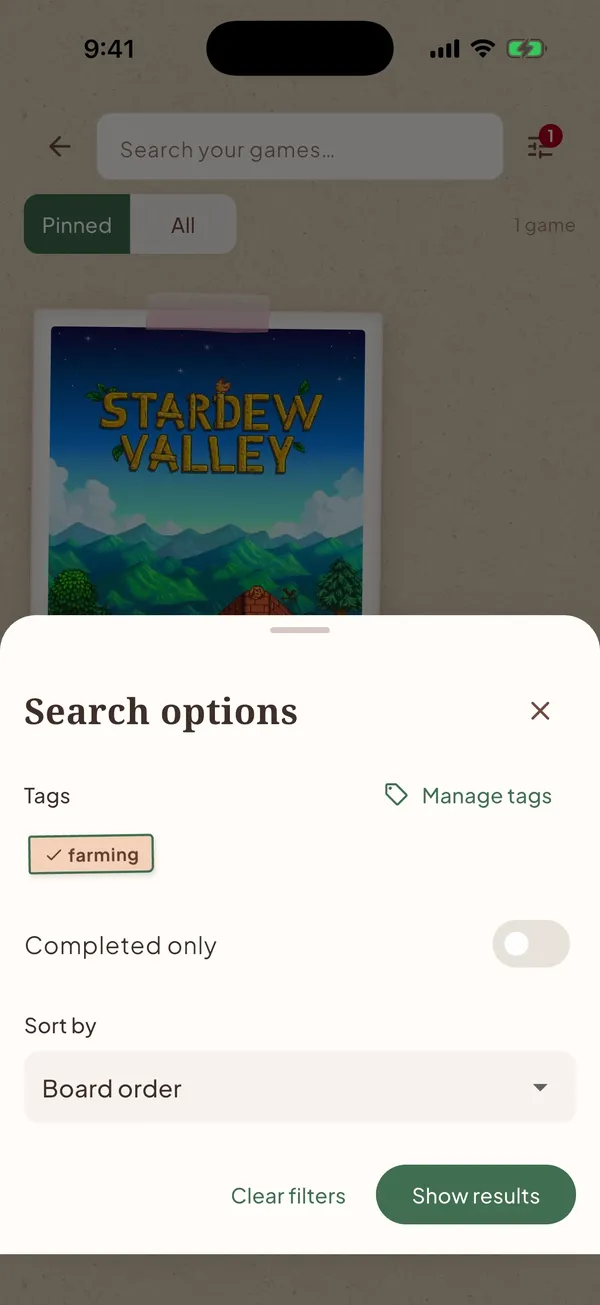
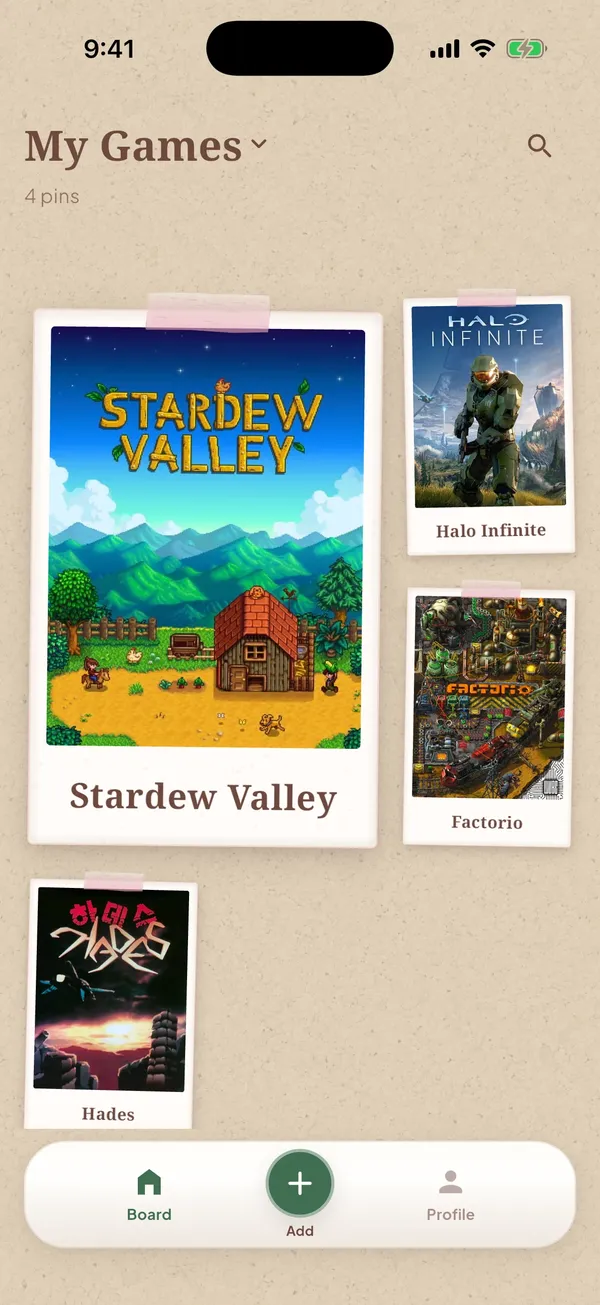
Tags and pins so you can open the right game.
Before you close the game, write where you were and the one thing you plan to do next. Keep that note with the game, not in a separate list you will not open. Pinpi is a game journal for that: where you stopped, and what’s next, so you can pick the save up later.
Yes. Pinpi is a game journal app for progress notes: the place you stopped, a checklist of what’s next, and tags so you can find the game again. The iPhone beta is free through TestFlight. Android is not available yet.
A notes app is a stack of pages you have to search. Pinpi starts from the game, so the note about where you left off sits on that game. You open the game in Pinpi and the next step is already there.
Not yet. The beta is on iPhone, through TestFlight. Android is coming. Leave your email and you’ll get a note when the Android version is ready.
Yes, during the beta. The iPhone beta is free to install. If you are on Android, or you are not ready to install, you can leave an email and wait.
A backlog tracker records status: playing, finished, or still on the list. That does not tell you which quest was open, which build you were trying, or what you meant to do next. When you come back to an old save, you need that context, not another status.
Opens Apple’s TestFlight app. First time? Install TestFlight, then tap Accept.
iPhone only for now. Android is coming.